
How to record your screen with audio
Choose device or app audio, microphone, or mixed audio, then start the iOS broadcast correctly.
Read tutorialiRecordScreen tutorials
Practical guides for choosing audio, using FaceCam, and finishing a recording.
Choose device or app audio, microphone, or mixed audio, then start the iOS broadcast correctly.
Read tutorial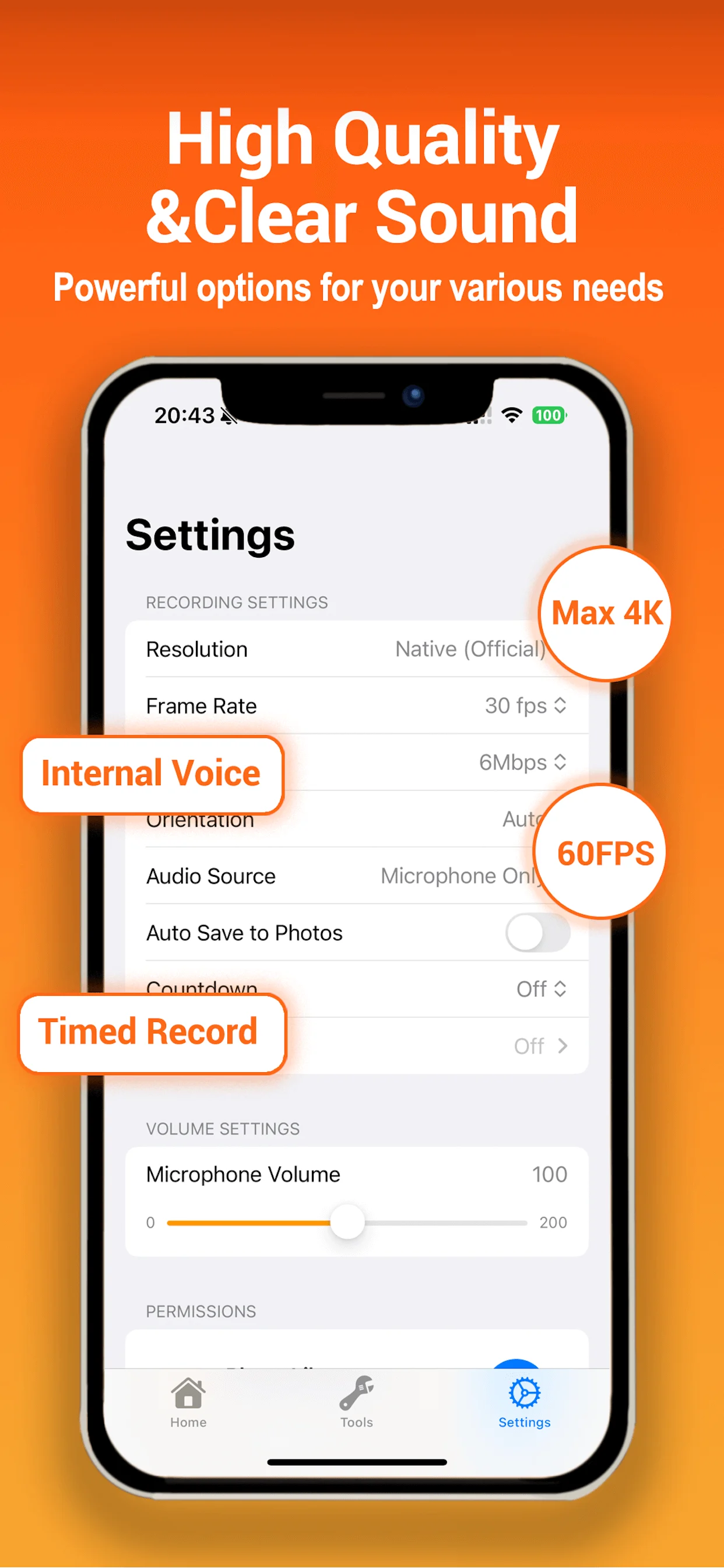
Add the front or rear camera and place the overlay where it will not cover important content.
Read tutorial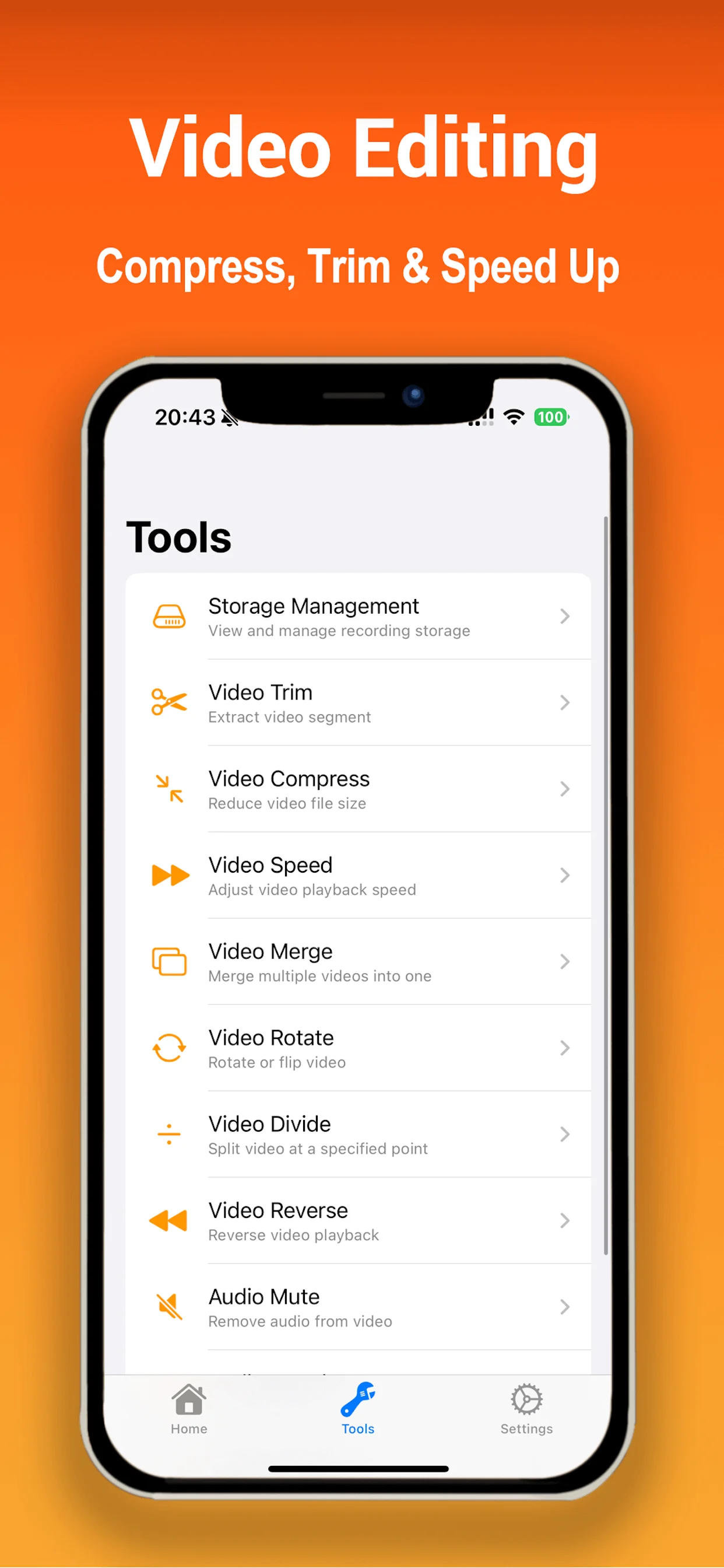
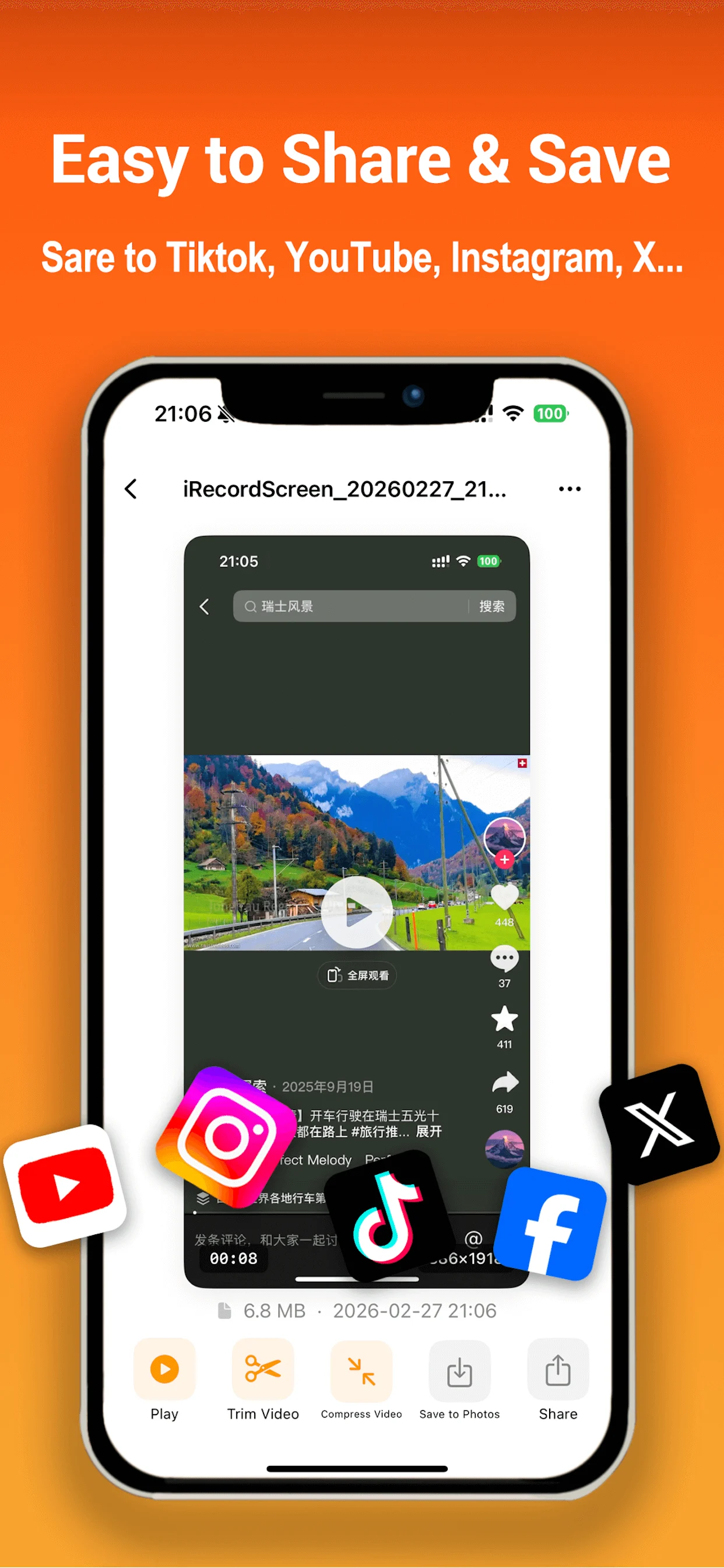
Trim or split the useful part, reduce file size when needed, and save or share the result.
Read tutorialiPhone · iPad
Start with the free recording allowance and explore optional membership when you need it. Check the app for current benefits, usage allowances, available plans and prices. Billing periods and any eligible offers are shown before purchase. Device and system limits still apply.
Download the app to view plans