Free without a watermark
Current iOS features are available without a subscription, watermark, or product-imposed recording-time quota.
100% Free · No Watermark · No Subscription
Record gameplay, tutorials, lessons, and app demos on iPhone, iPad, and Android. Available capabilities depend on the platform and device; the global Android edition is available on Google Play.
Browse tutorials iRecordScreenScreen recording and local editing for iPhone, iPad, and Android
Built for recording
Record, protect, edit, and share important moments in one focused app.
Current iOS features are available without a subscription, watermark, or product-imposed recording-time quota.
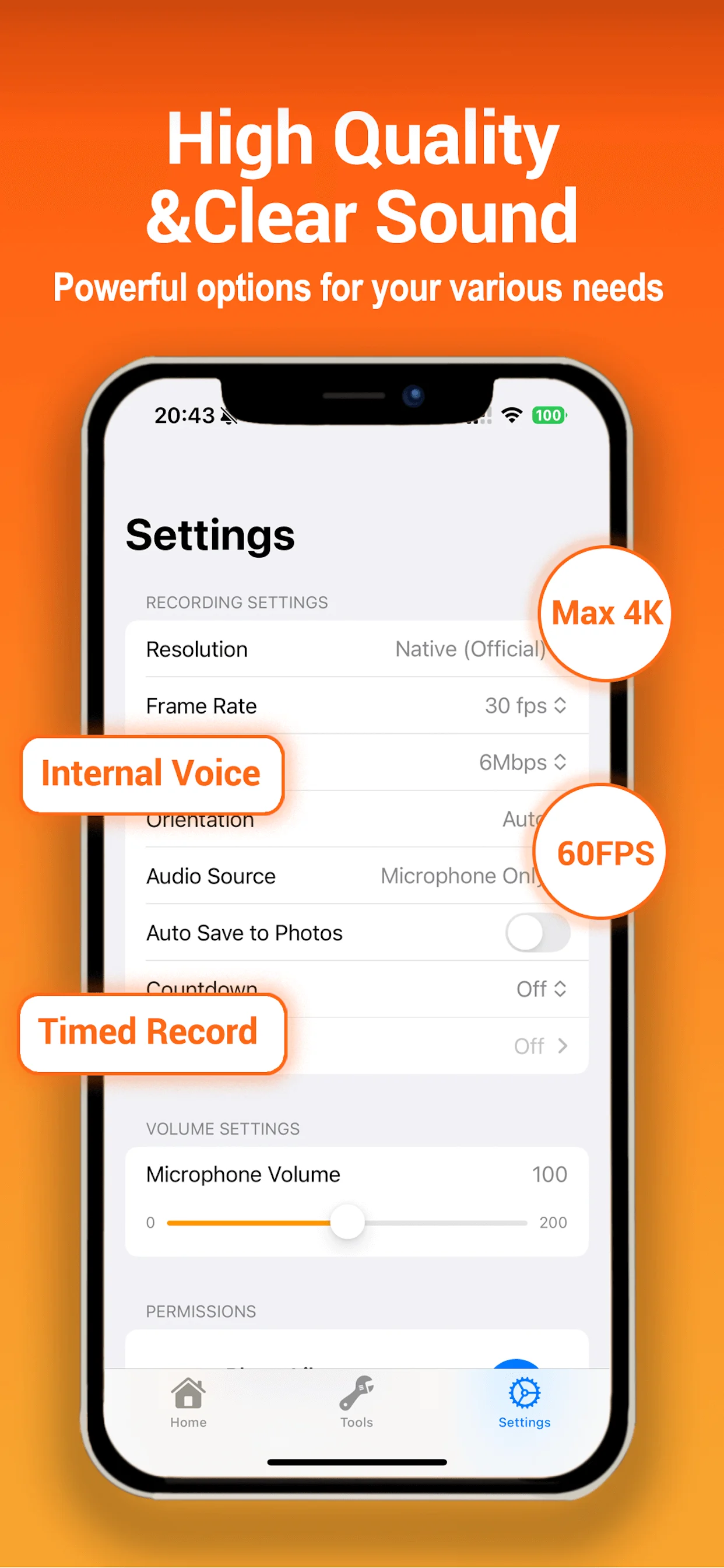
Choose resolution, frame rate, bitrate, and H.264 or H.265 on supported devices and recording conditions.
Add front or rear camera, device or app audio, microphone, or a supported mix while you record.
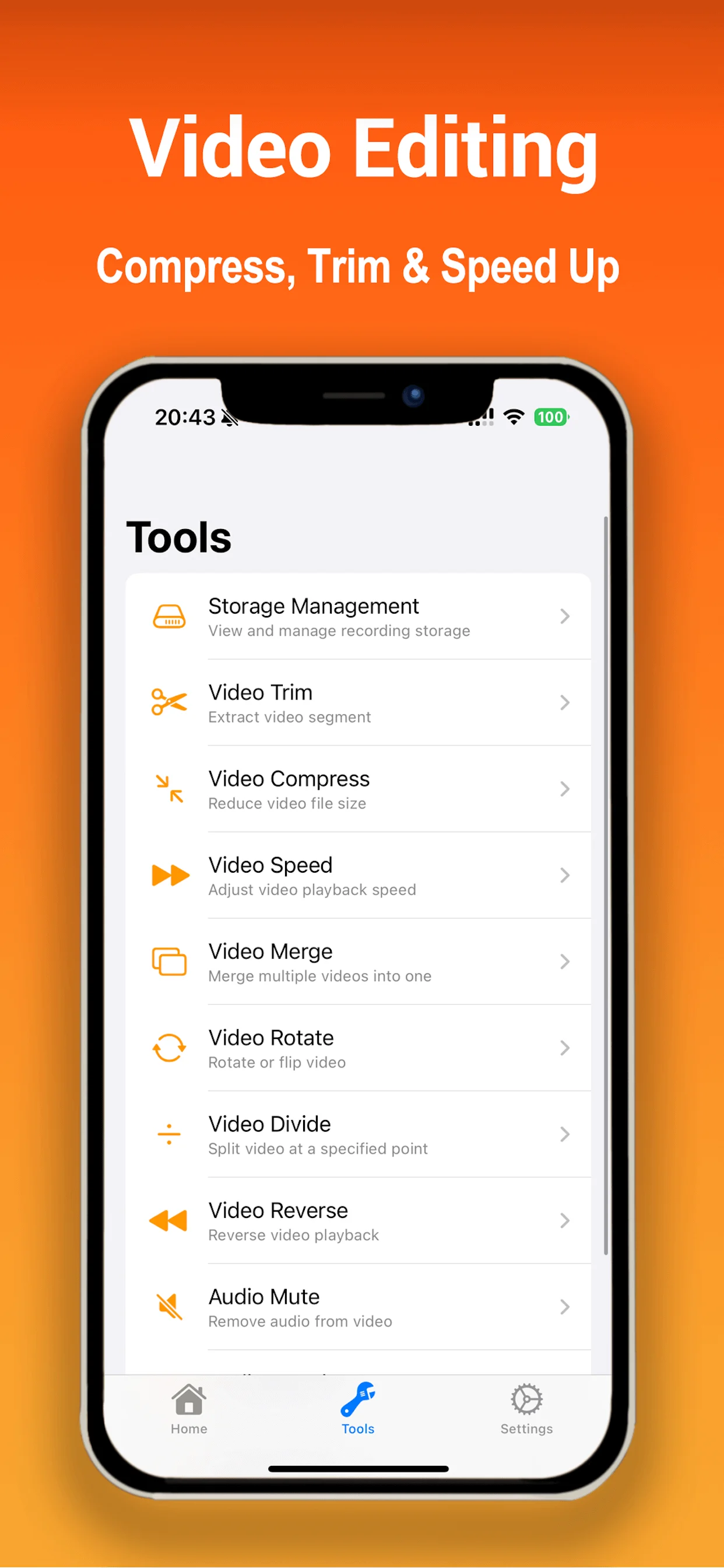
Trim, split, compress, merge, change speed, rotate, reverse, mute, reduce noise, and apply voice effects.
Actual resolution, frame rate, audio capture, and duration depend on the device, storage, battery, operating system, audio route, and the app or content being recorded.
A complete recording workflow
Platform capabilities vary. iRecordScreen combines recording controls, FaceCam, supported audio, local management, and practical editing tools on supported iOS and Android devices.
Explore the complete screen recorderChoose orientation, countdown, resolution, frame rate, bitrate, codec, audio, FaceCam, auto-stop, and segment rules before you begin.
Read tutorial
Record from 240p through 4K and from 24 to 60 fps where the device and source support the selected settings.
Use app or device audio, microphone, or mixed audio, with balance and microphone boost options when supported.
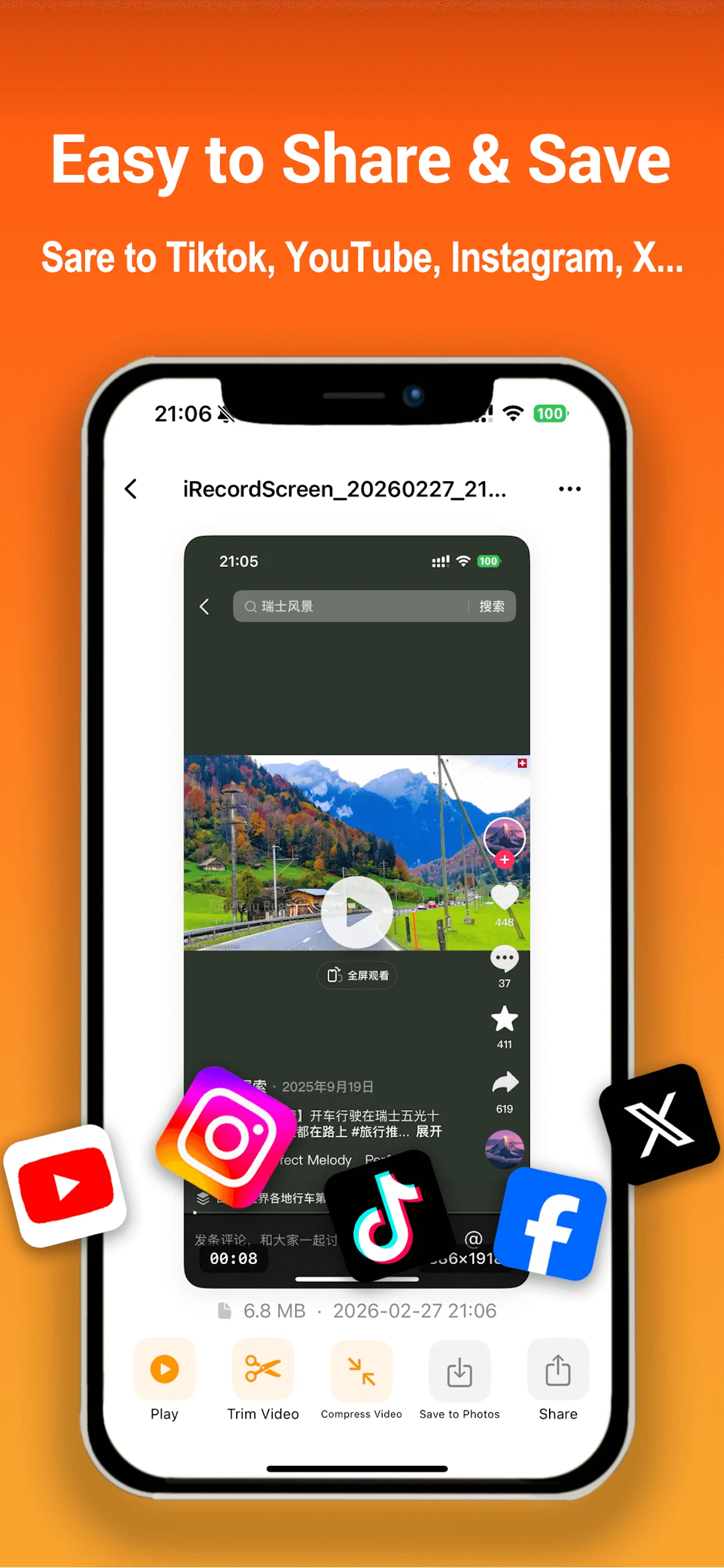
Polish the result with video and audio tools, save it to the system gallery, or use the system share sheet.
How it works
Keep the workflow simple while retaining control over the details.
Set quality, orientation, audio, FaceCam, countdown, and optional auto-stop or segmentation.
Follow the in-app guide to begin screen recording. Keep enough free storage and battery for longer sessions.
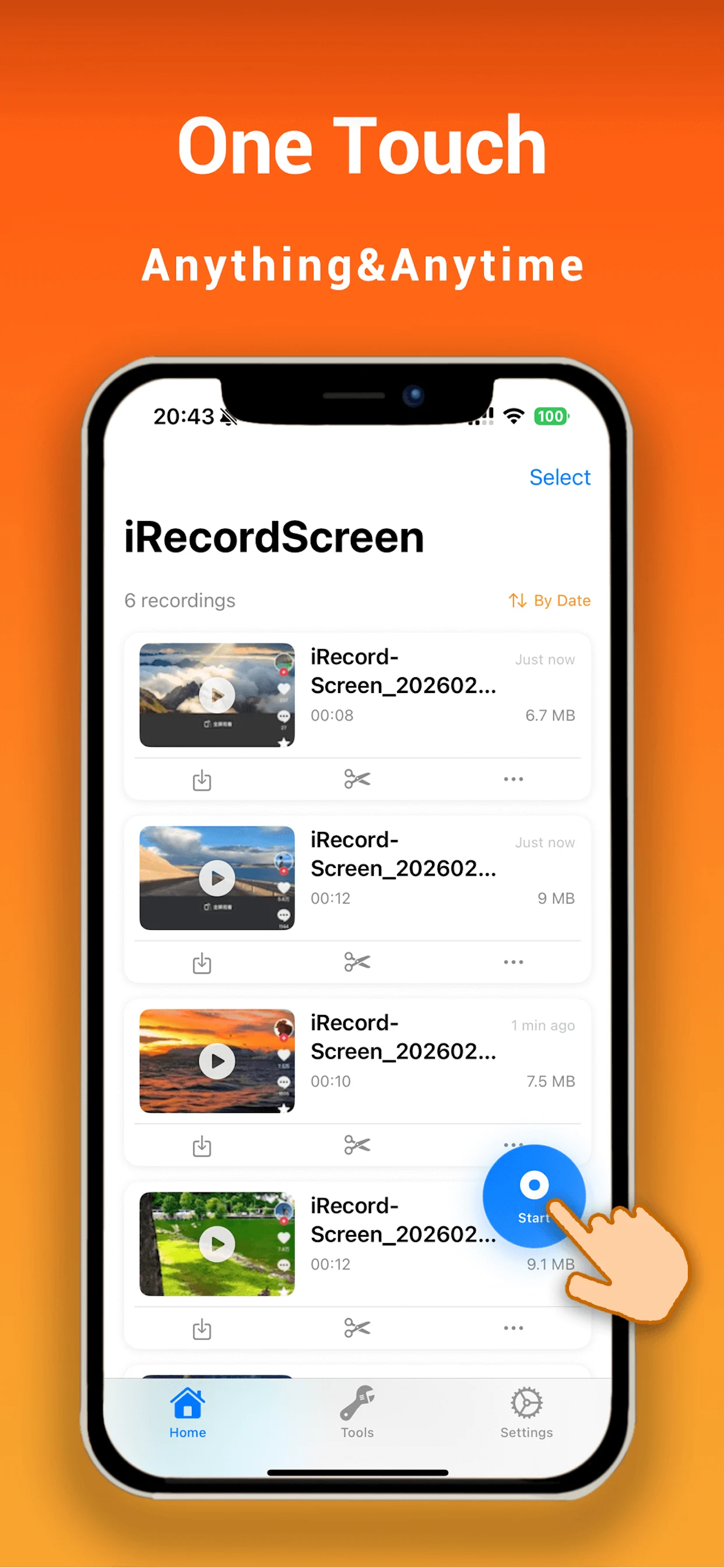
Play the recording, rename or edit it, then save to the system gallery or share through installed apps.
Made for what you do
Capture matches, walkthroughs, and highlights with optional commentary or FaceCam.
Explain an app, process, or idea while recording the screen and your voice.
Save class material, product demos, and repeatable workflows for later review.
Show a problem or solution clearly, then trim and share the useful part.
Where to use iRecordScreen
The App Store listing supports iPhone and iPad, and the global Android edition is available on Google Play.
Get iRecordScreen from its verified App Store listing for iPhone.
Available nowUse the same verified App Store listing on compatible iPad models.
Available nowGet the global Android edition from Google Play under package com.miremire.irecordscreen. Features may differ from the iOS edition.
Questions, answered
The current iOS release is presented as 100% free, with no subscription, watermark, or product-imposed recording-time quota. Future product changes must be reflected in the app and this website.
Up to 4K / 60 fps is available only on supported devices and sources. The app or operating system may reduce quality when hardware, storage, temperature, or recording conditions require it.
Supported audio modes include device or app audio, microphone, and mixed audio. Results depend on the recorded app, system restrictions, audio route, and connected accessories.
Yes on supported iOS and Android versions. Camera controls and available overlay options vary by platform and device. Camera permission is required.
No. iRecordScreen does not offer a dedicated macOS version.
Download it from Google Play under package com.miremire.irecordscreen. The mainland-China edition remains a separate distribution.
No. iOS, the recorded app, copyright protection, and privacy rules may restrict capture or audio. Record only content you are allowed to capture and share.
Record on iPhone, iPad, or supported Android devices, then edit, save, and share with the tools available on that platform.