Screen video
Choose orientation, resolution, frame rate, bitrate, codec, countdown, and optional auto-stop or segmentation.
Free screen recorder · No watermark · No time limit
iRecordScreen provides screen recording and local editing on iPhone, iPad, and Android. Available controls, audio modes, FaceCam options, and editing tools vary by platform and device.
Choose what to capture
Screen video, device or app audio, microphone, and FaceCam can be combined where iOS and the recorded source allow it.
Choose orientation, resolution, frame rate, bitrate, codec, countdown, and optional auto-stop or segmentation.
Add narration with microphone input and microphone boost where the current audio route supports it.
Capture supported internal audio alone or together with the microphone, subject to iOS and source restrictions.
Add the front or rear camera and adjust the overlay ratio, size, and position before recording.
A reliable workflow
The important choices happen before the system broadcast begins; the result stays available for playback, management, editing, saving, and sharing.
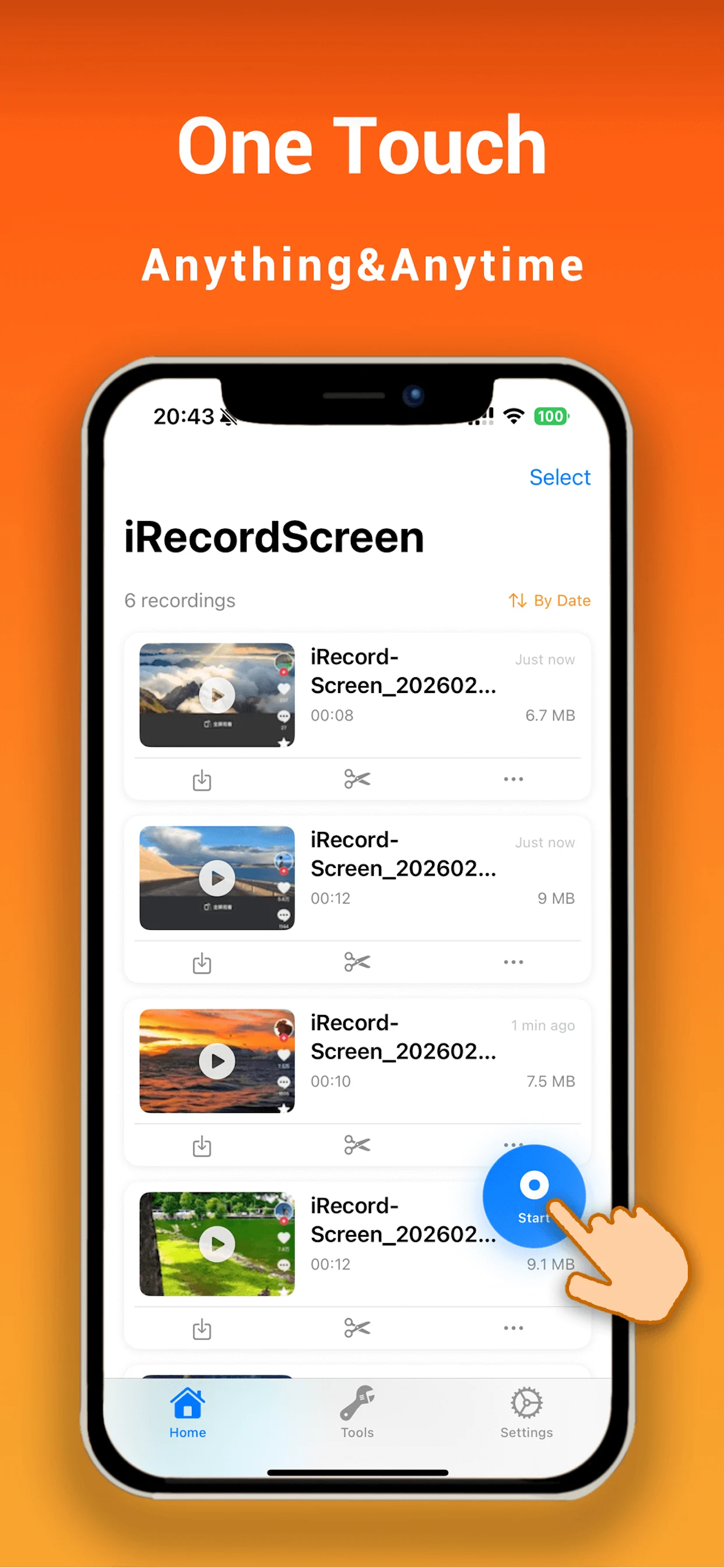
Select quality, orientation, sound, FaceCam, countdown, and long-session controls.
Begin the iOS broadcast and keep enough storage, battery, and thermal headroom for the session.
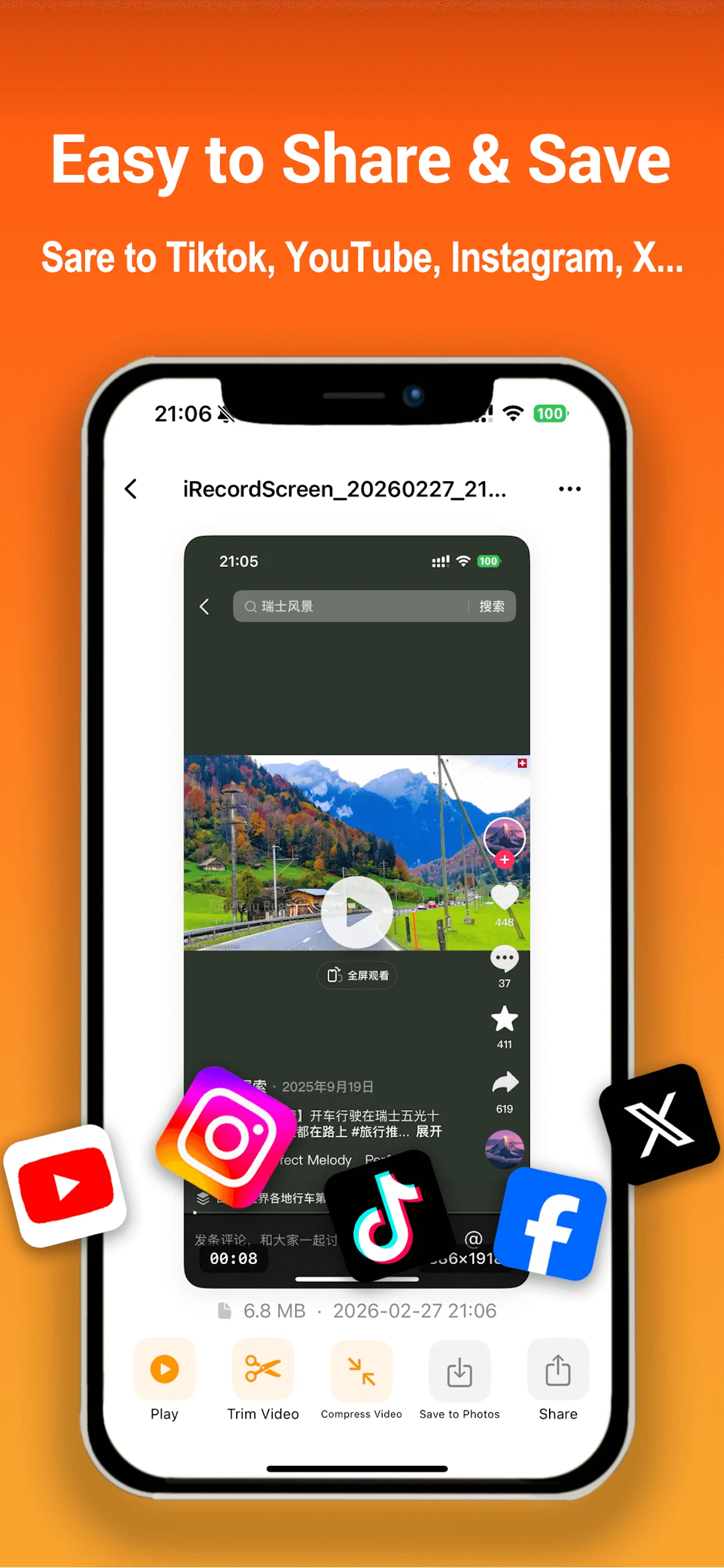
Review, rename, edit, save to Photos, or share with apps installed on the device.
More than a record button
iRecordScreen combines flexible capture settings with safeguards and editing tools for everyday screen-recording work.
Capture a match or walkthrough with optional commentary and FaceCam.
Explain a process while the screen and your voice remain together.
Show a workflow, bug, or solution clearly and trim away the setup.
Compress or polish the recording, then save or share through iOS.
Screen-recorder questions
The current iOS release is presented without a watermark.
The app does not impose a product recording-time quota. A real session remains limited by storage, battery, system resources, temperature, and source behavior.
Up to 4K / 60 fps is available only on supported devices and recording conditions; actual output may be reduced.
No. iOS, the recorded app, DRM, copyright, calls, and privacy rules can block video or audio capture.
Download it from Google Play under package com.miremire.irecordscreen. The mainland-China edition remains a separate distribution.
No. iRecordScreen has no dedicated macOS version.

Download the iPhone and iPad app from the App Store or get the global Android edition on Google Play.