-
01
Open the finished recording
Play the result first, rename it if useful, and decide which sections should stay.
-
02
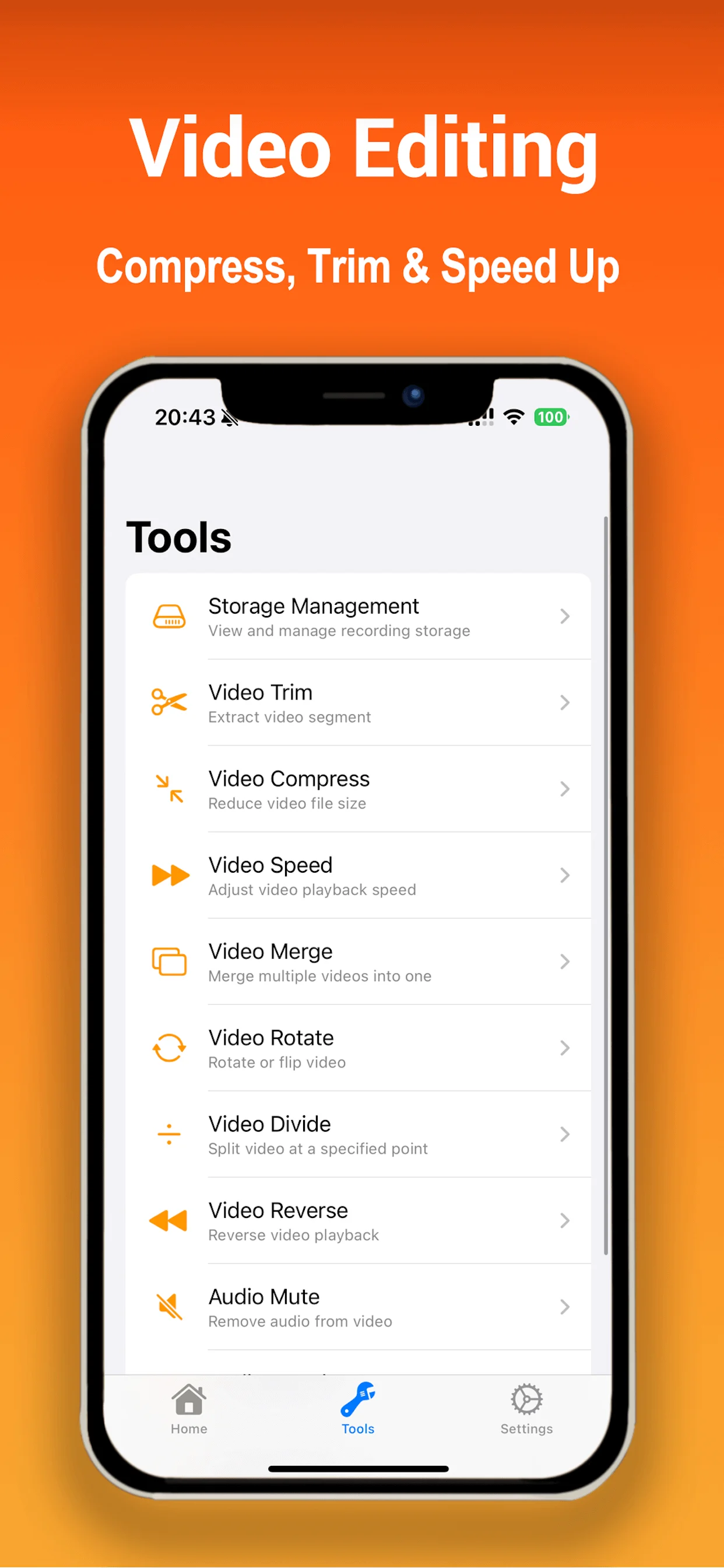
Choose an editing tool
Trim, split, merge, compress, change speed, rotate, reverse, mute, reduce noise, or apply a supported voice effect.
-
03
Preserve the original when needed
For important recordings, keep an untouched copy until you have checked the edited export.
-
04
Save or share
Save to Photos or use the iOS share sheet. Available destinations depend on the apps installed on your device.
← All tutorials
Editing guide
How to edit, compress, and share a recording
Keep the useful part, reduce the file size when needed, and send the result using the system tools you already use.